How to log in to my Azure CLI on my macOS
To log in to the Azure CLI on your Mac
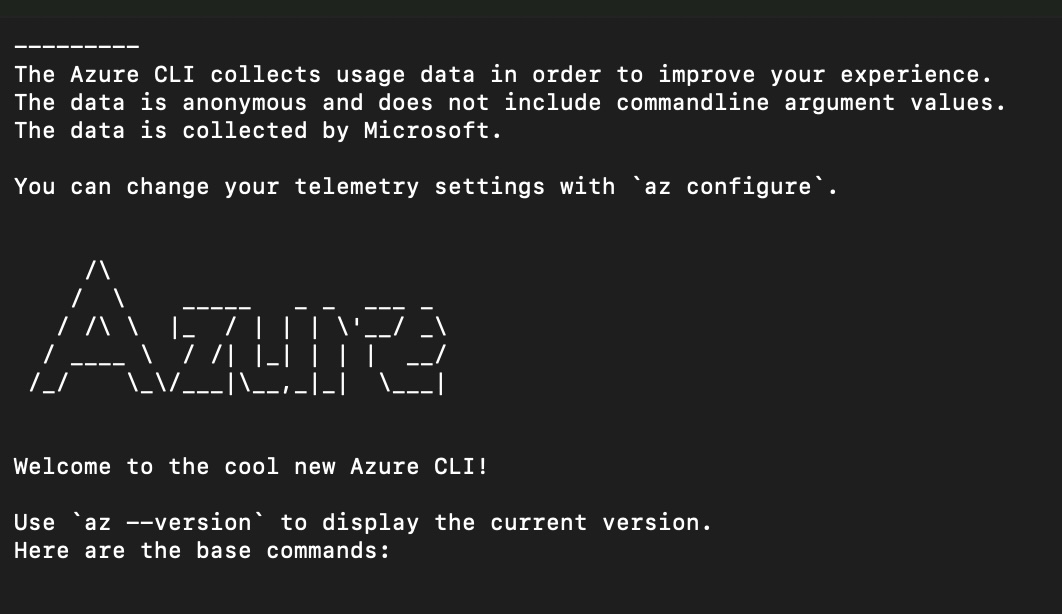
To log in to the Azure CLI on your Mac, you primarily use the az login command. Depending on your environment (local terminal vs. remote server), there are several ways to complete the authentication.
Standard Interactive Login (Recommended)
This is the default method for macOS. It will automatically open your web browser to complete the sign-in.
- Open your Terminal (found in /Applications/Utilities/).
- Type the following command and press Enter:
az login
- A browser window will open. Select your account and enter your credentials.
- Once the message "You have logged in" appears in the browser, you can return to your terminal to see your subscription details.
Device Code Login (For SSH or No Browser)
If your terminal cannot open a browser (e.g., you are logged into your Mac via SSH or the browser fails to launch), use the Device Code flow:
- Run the command
az login --use-device-code
- The terminal will display a code and a URL (typically microsoft.com/devicelogin).
- Open that URL in any browser (even on a different device), enter the code, and sign in.
Login to a Specific Tenant
If your account is associated with multiple directories (tenants) and you want to log into a specific one directly:
- Run the command:
az login --tenant <tenant-id-or-domain>
You can find your Tenant ID in the Azure Portal.
Troubleshooting & Tips
-
Check Installation: If the az command is not recognized, ensure you have installed the CLI. The official Microsoft documentation recommends using Homebrew: brew install azure-cli.
-
MFA Requirements: Starting in 2025, Microsoft requires Multifactor Authentication (MFA) for all interactive logins. Using az login (which uses a browser) is the simplest way to handle MFA prompts.
-
Subscription Management: If you have multiple subscriptions, you might need to set the active one after logging in:
az account set --subscription "My Subscription Name"
- Verify Login Status: Use az account show to confirm which account and subscription are currently active on your Mac.
Related articles
Deployment Slots no Azure
É possível publicar sem deixar fora do ar?
Vinculando Azure e Publicando seu Web Site
Veja como publicar seu site no Azure
Mauricio Junior